Yes, printer ink can dry out — especially in inkjet cartridges left unused for extended periods.
As the liquid solvent in the ink evaporates, it leaves behind dried pigment that clogs the
printhead nozzles and degrades output quality. An opened cartridge in an idle inkjet printer
can begin to degrade in as little as 2–4 weeks. Sealed, unopened cartridges typically retain
full viability for 18–36 months when stored correctly.
Inkjet printer ink is a liquid — and like any liquid left exposed to air, it evaporates. When that evaporation occurs inside the microscopic nozzles of a printhead, the result is dried pigment residue that blocks ink flow and produces streaky, faded, or blank pages. Whether you print daily or leave your printer dormant for months, understanding precisely how and when printer ink dries out is the most cost-effective way to protect your cartridges and avoid unnecessary replacements.
Why Does Printer Ink Dry Out?
The chemistry behind ink drying is straightforward, but the failure modes are more varied than most users expect. Inkjet ink is a carefully balanced solution of water, solvents, pigments or dyes, and binding agents. The moment that balance is disrupted by air exposure, heat, or inactivity, degradation begins.

The Science: Evaporation and Nozzle Clogging
Inkjet printers fire droplets of liquid ink through nozzles that are finer than a human hair — often in the range of 10–30 microns in diameter. Any residual ink left in those nozzles after a print job is directly exposed to ambient air. As the solvent evaporates, the remaining pigment or dye hardens into a solid residue. That residue does not dissolve on its own. Over time, it accumulates, partially or fully blocking the nozzle channel, which is why dried ink most commonly manifests as horizontal white streaks or missing color channels on a printed page.
4 Common Causes That Accelerate Drying
Infrequent printing is the primary driver. When a printer sits idle, the small ink deposits in the printhead nozzles are exposed to air continuously, accelerating evaporation with no mechanical agitation to redistribute the ink. Beyond that, three environmental factors compound the problem: elevated ambient temperature speeds up solvent evaporation; low humidity increases the rate at which moisture leaves the ink; and direct sunlight introduces both heat and UV energy that degrades ink chemistry even in sealed cartridges. Improper cartridge storage — storing units horizontally or upside-down — can additionally cause ink to pool away from the nozzle outlet, introducing air pockets that hasten clogging.
How Long Before Printer Ink Dries Out? (Timeline by Scenario)
The rate at which printer ink dries out is not fixed — it depends on cartridge type, print frequency, ambient conditions, and whether the cartridge is installed or in storage. The table below maps the most common usage scenarios to realistic risk levels and expected outcomes, based on manufacturer guidance from HP, Epson, and Canon.
|
Scenario |
Risk Level |
Expected Outcome |
|---|---|---|
|
Printer unused for 1–2 weeks |
Low |
Usually prints normally; minor cleaning cycle may be needed |
|
Printer unused for 1 month |
Moderate |
Printhead cleaning cycle likely required before quality returns |
|
Printer unused for 3 months |
High |
Nozzle clog probable; cartridge may fail to recover |
|
Printer unused for 6+ months |
Very High |
Cartridge likely unusable without deep clean or replacement |
|
Sealed, unopened cartridge (room temp) |
Very Low |
Safe for 18–36 months if stored in cool, dry conditions |
|
Sealed cartridge exposed to heat/sunlight |
Elevated |
Shelf life reduced; ink chemistry may degrade before expiry date |
Table 1 — Risk levels reflect conditions at standard room temperature (60–75°F / 15–24°C) and moderate humidity. Extreme heat or humidity will shift all risk levels upward.
Does Printer Ink Dry Out If Not Used? Installed vs. Stored Cartridges
The answer differs meaningfully depending on whether the cartridge is installed in a printer or sitting in storage — a distinction most guides fail to address with sufficient precision.

Ink Already in the Printer
An installed inkjet cartridge is never truly sealed. Modern printers use a capping station — a rubber pad that presses against the printhead when the printer is powered off — to reduce evaporation. However, this seal is imperfect. Ambient air still contacts the nozzle area over time, particularly if the printer is stored in a warm environment or frequently moved. A printer that is powered down correctly (using the power button rather than the power strip) engages the capping mechanism properly, which measurably extends cartridge viability during idle periods. Forcing a hard shutdown bypasses this process and accelerates drying.
Sealed Cartridges in Storage
Factory-sealed cartridges are protected by a combination of foil packaging and a small plug in the nozzle outlet. Despite this, evaporation still occurs at a slow rate through microscopic imperfections in the seal. Most OEM manufacturers — HP, Canon, Epson — recommend using sealed cartridges within 24 months of manufacture. Third-party compatible cartridges may carry shorter recommended windows depending on the quality of their sealing process. A cartridge stored upright in a cool, dark environment at 59–77°F (15–25°C) will reach the outer edge of that window reliably; one stored in a hot garage or near a heating vent will not.
Does Laser Printer Ink Dry Out?
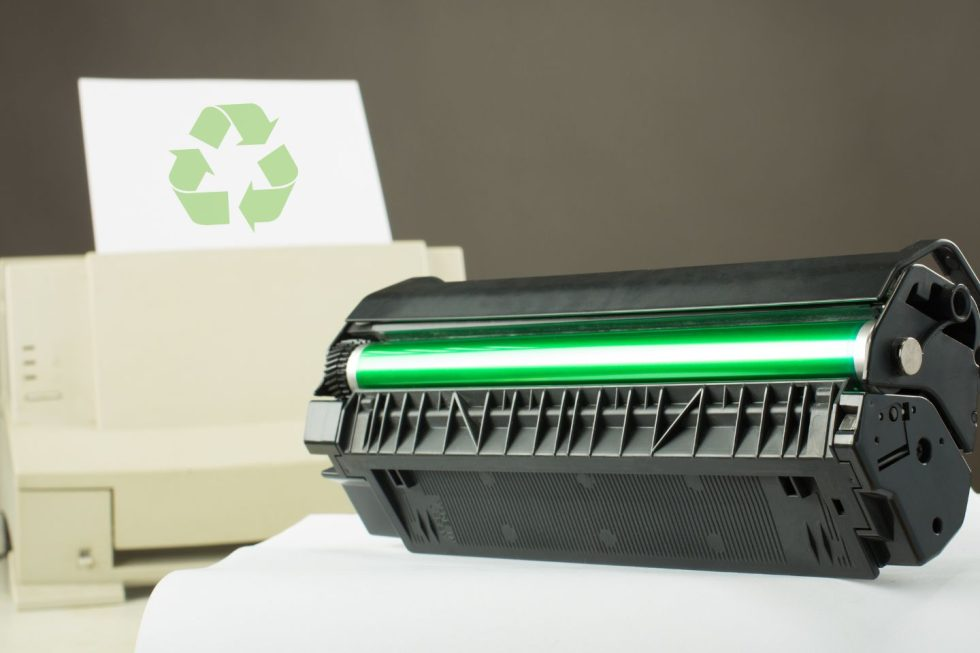
Laser printers do not use liquid ink. They use toner — a fine powder composed of plastic particles, carbon, and coloring agents — which is fused to paper using heat and static electricity. Because toner contains no liquid solvent, it cannot evaporate and will not dry out in the same way inkjet ink does. A laser printer left dormant for six months will, in the vast majority of cases, resume printing without any maintenance intervention.
This is a fundamental technical distinction that has significant implications for users who print infrequently. The table below compares three printer technologies across the dimensions most relevant to ink drying:
|
Printer Type |
Consumable |
Dries Out? |
Idle Risk |
Sealed Shelf Life |
|---|---|---|---|---|
|
Inkjet (cartridge-based) |
Liquid dye/pigment ink |
Yes |
High after 2–4 weeks |
18–36 months (OEM) |
|
Laser |
Dry toner powder |
No |
Very Low |
24–36 months |
|
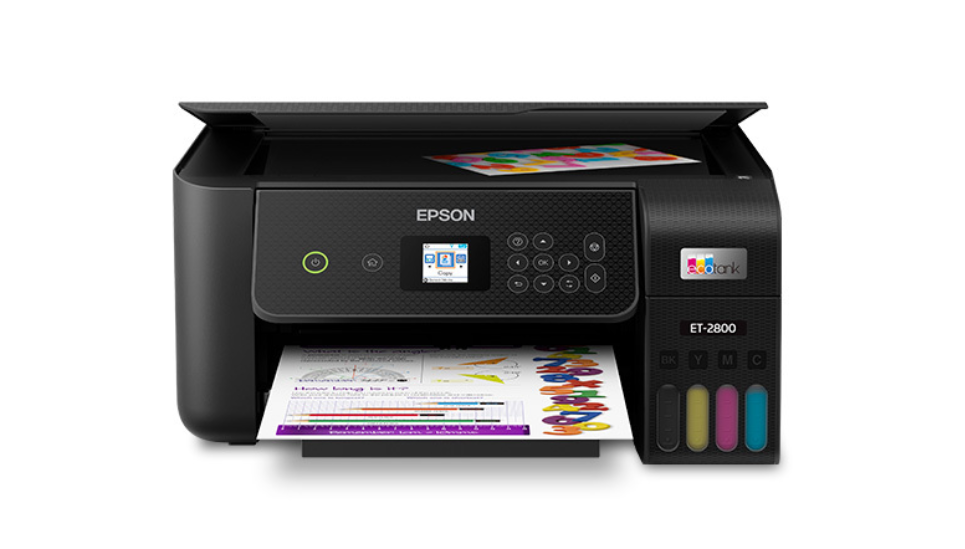
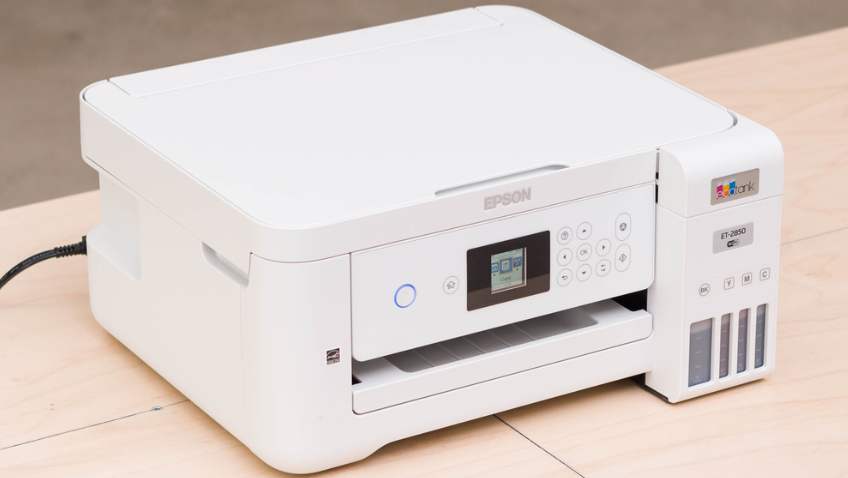
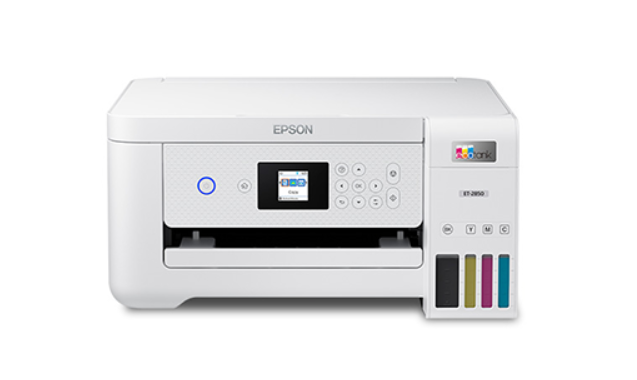
EcoTank / MegaTank (inkjet) |
Liquid ink (refillable tank) |
Slower rate |
Moderate |
Longer (larger ink volume) |
Table 2 — EcoTank-style printers use the same liquid ink chemistry as cartridge-based inkjets but hold significantly more ink, which reduces proportional air exposure per unit of ink and slows the clogging cycle. They do not eliminate the risk of drying entirely.
For users who print infrequently — say, once every few weeks or less — switching to a laser printer eliminates ink drying as a recurring maintenance issue and typically reduces the long-term cost of ownership for low-volume printing scenarios.
How to Prevent Printer Ink from Drying Out
Prevention is significantly more cost-effective than recovery. A dried cartridge that cannot be revived through cleaning represents a total loss of the remaining ink. The following practices, applied consistently, extend cartridge viability to the outer bounds of manufacturer-rated shelf life.

Print at Least Once a Week
The single most effective preventive measure is regular use. Printing even one page — a test page, a document, a photograph — keeps the ink flowing through the nozzles and prevents static residue from accumulating. Most printer manufacturers, including HP and Epson, recommend a minimum print frequency of once every one to two weeks for inkjet users who want to avoid clogging. If printing anything useful is inconvenient, the printer's nozzle check page serves the same mechanical purpose.
Store Cartridges Correctly
Spare cartridges removed from their original packaging should be stored upright, in an airtight resealable bag or container, in a location that maintains 59–77°F (15–25°C) year-round. The upright orientation allows any air inside the cartridge to remain at the top, away from the nozzle outlet, reducing the likelihood of air bubble formation at the ink delivery point. Avoid storage in direct sunlight, near heating vents, or in uninsulated spaces such as garages or attics.
Use the Printer's Maintenance Features
All modern inkjet printers include a printhead cleaning utility accessible through the control panel or device software. Running this utility once a month — even when print quality appears acceptable — flushes any early-stage residue before it hardens into a permanent clog. Be aware that the cleaning cycle consumes ink; it should not be run more than two consecutive times without checking print quality, as excessive cleaning wastes more ink than it saves.
Prevention checklist at a glance: print at least once per week; store spare cartridges upright in a sealed bag at room temperature; run a maintenance cleaning cycle monthly; never allow a cartridge to run completely empty; always power off the printer using its own power button (not a power strip) to engage the capping station.
If your current cartridges are approaching expiry or have already dried out, replacing them with fresh stock is often more economical than repeated recovery attempts. A wide selection of toner cartridges are available at competitive prices, covering HP, Canon, Xerox, and Lexmark models.
What to Do If Your Printer Ink Has Already Dried Out
If a cartridge has already dried out, recovery is possible in some cases — but the outcome depends on the severity of the clog and how long the cartridge has been inactive.
Step 1 — Run the Built-in Cleaning Cycle
Access the printer's maintenance menu through its control panel or software utility and select the printhead cleaning option. Run one cycle, then print a test page to evaluate quality. If color channels are still missing, run a second cycle. Do not run more than two consecutive cycles without reviewing results — each cycle consumes approximately 5–10% of remaining ink capacity.
Step 2 — Manual Printhead Cleaning (Warm Water Method)
If the automated cleaning cycle fails to restore print quality, manual cleaning is the next step. Remove the cartridge from the printer. Dampen a lint-free cloth or cotton pad with warm (not hot) distilled water. Gently press the nozzle plate of the cartridge against the damp surface and hold it there for 10–20 seconds — do not scrub. The warm water softens the dried ink residue. Wipe the nozzle area with a dry lint-free cloth, allow the cartridge to sit for five minutes, then reinstall and run a test print. For cartridges with integrated printheads (common in HP and Canon models), the same method applies to the printhead unit itself.
Step 3 — When to Stop and Replace the Cartridge
If two full cleaning cycles and one manual cleaning session do not restore acceptable print quality, the cartridge should be replaced. Continued cleaning attempts at that point will consume more ink than they recover and risk mechanical damage to the printhead. The practical decision threshold is as follows: if the cartridge is under 25% remaining ink capacity, the cost of recovery attempts is unlikely to be justified — replacement is the more economical choice.
Frequently Asked Questions
Can printer ink dry up in a sealed, unopened cartridge?
Yes, though far more slowly than in an installed cartridge. Factory seals are not perfectly airtight; trace evaporation occurs over time. OEM manufacturers typically rate sealed cartridge shelf life at 24 months. Beyond that window, ink chemistry may have degraded even if no drying clog is visible. Always check the manufacture date printed on the cartridge packaging before purchase.
How often should I print to prevent ink from drying out?
Printing at least once every seven to fourteen days is the generally recommended frequency for inkjet users. A single-page test print or nozzle check is sufficient — it does not need to be a full document. The goal is to push ink through the nozzles, preventing static deposits from hardening.
Can I use a cartridge past its expiration date?
The expiration date on a cartridge is a manufacturer guarantee of performance, not an absolute endpoint. A cartridge stored correctly in its original sealed packaging may still perform adequately past that date, though color accuracy and output consistency may be reduced. For critical print jobs — photographs, official documents — using a cartridge within its rated date range is the reliable choice.
Is it worth trying to revive a dried cartridge, or should I just replace it?
It depends on two factors: how much ink remains and how long the cartridge has been idle. If the cartridge has more than 50% remaining ink and has been idle for fewer than three months, a cleaning cycle has a reasonable chance of success. If it has been idle for longer or is nearly empty, the cost of recovery attempts in ink waste and time typically exceeds the replacement cost of a new cartridge.
Does third-party or compatible ink dry out faster than OEM ink?
Not necessarily, but the variability is higher. OEM inks are formulated with precise solvent ratios calibrated for specific printhead tolerances, which tends to produce predictable drying behavior. High-quality compatible inks use similar formulations and perform comparably. Lower-quality third-party inks may use different solvent balances that evaporate more quickly or leave residue that is harder to dissolve during cleaning cycles.
Conclusion
Printer ink does dry out — but it is a manageable problem, not an inevitable one. The two highest-leverage actions are printing at least once per week and storing spare cartridges correctly. For users whose printing patterns make those habits impractical, switching to a laser or tank-based printer eliminates the issue at the hardware level. Understanding these mechanics translates directly into fewer wasted cartridges and lower printing costs over time.
Ready to replace a dried cartridge or upgrade your printer? DealJustDeal offers competitive pricing on printers and toner cartridges from HP, Canon, Epson, Xerox, and more — with free shipping on all orders.