Can ink dry up in cartridge? Yes, printer ink drying inside a cartridge is one of the most common yet misunderstood printing problems faced by home users, remote workers, and small businesses. Many users assume that if a cartridge still shows ink remaining, it should print normally. In reality, ink behavior inside inkjet cartridges depends on moisture retention, airflow control, and regular circulation through the printhead system.
When ink dries, it does not simply disappear. Instead, it thickens, hardens, and clogs microscopic nozzles that are essential for precise ink delivery. This leads to faded prints, streaking, missing colors, or complete print failure. Over time, dried ink can also stress printer components, increasing maintenance costs or forcing premature replacement.
Understanding why ink dries, how fast it happens, and what practical steps restore ink flow allows users to save money, reduce waste, and extend the life of both cartridges and printers. This guide explains the issue step by step and offers realistic solutions that align with everyday printing habits.

Can Ink Dry Up In Cartridge?
Printer ink can and does dry up inside cartridges, even when the ink level appears sufficient. Inkjet cartridges store liquid ink in sealed chambers that feed extremely small nozzles. These nozzles must remain moist to function correctly.
When moisture evaporates, the remaining pigment or dye particles solidify, restricting ink flow. This process occurs gradually, which is why many users experience declining print quality before total failure. Unlike toner, which is a dry powder, inkjet ink depends entirely on liquid stability.
This issue most frequently affects low-usage environments, such as home offices, dorm rooms, and backup printers. Without regular use, cartridges lose their ability to self-maintain nozzle moisture. Recognizing that ink drying is a mechanical and chemical process—not a defect—helps users respond appropriately.
To understand how serious this issue can become, it is important to examine how quickly ink dries under normal conditions.

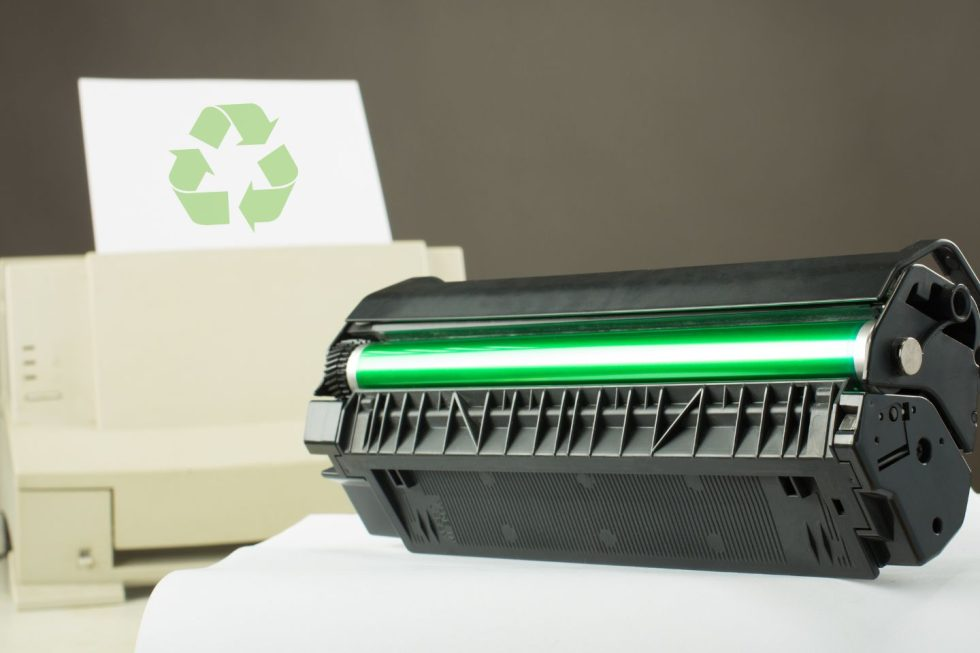
Inkjet cartridge and printhead showing how ink can dry inside nozzles
How Fast Does Printer Ink Dry Inside a Cartridge?
Ink drying speed varies based on printer usage, environmental exposure, and cartridge quality. In general, ink begins to thicken after two to four weeks of inactivity. Noticeable clogging often occurs after one to three months without printing.
Cartridges removed from printers dry faster because protective seals are compromised. Warm temperatures, low humidity, and airflow further accelerate evaporation. Budget cartridges and older designs may dry faster due to weaker internal membranes and less effective nozzle protection.
High-yield cartridges tend to resist drying longer because they maintain better internal pressure balance. However, no inkjet cartridge is immune. Even premium cartridges require regular ink movement to maintain nozzle health.
Understanding the speed of ink drying naturally leads to the underlying causes that drive it.
Why Does Ink Dry Out in Inkjet Cartridges?
Ink drying occurs due to a combination of environmental exposure and mechanical limitations. Several specific factors play a role.
Air Exposure and Nozzle Evaporation
Inkjet nozzles measure only microns in diameter. When air reaches these openings, moisture evaporates rapidly. Even minor seal failures allow air to enter, disrupting ink flow. Once pigment dries inside a nozzle, it restricts subsequent ink release.
Infrequent Printing Cycles
Ink circulation is essential for nozzle health. Printers perform micro-flushes during normal operation, but long idle periods prevent this self-cleaning action. As ink sits motionless, gravity and evaporation work together to create blockages.
Cartridge Seal Degradation
Over time, rubber seals and membranes degrade due to heat, age, and repeated installation. Once these seals weaken, cartridges lose their ability to maintain internal humidity, making drying inevitable.
These causes explain why dried ink often appears suddenly, even when cartridges were previously functional.
What Are the Common Signs of a Dried Ink Cartridge?
Dried ink rarely causes immediate failure. Instead, users notice progressive symptoms that worsen over time.
Early signs include faded text, washed-out images, or inconsistent color density. As clogging increases, users may see horizontal streaks, missing lines, or entire colors failing to print. In advanced cases, printers print blank pages even though ink levels appear adequate.
Printers may also display repeated maintenance warnings or request frequent cleaning cycles. Recognizing these symptoms early increases the chance of successful recovery.

Printed pages showing faded text and streaks caused by a dried ink cartridge
How to Fix a Dried Ink Cartridge (Step-by-Step)
Many dried cartridges can be restored if clogging is not severe. The following steps progress from least invasive to more intensive.
Run the Printer’s Built-In Cleaning Cycle
Most inkjet printers include automated cleaning tools. These cycles press ink through the nozzles to clear minor blockages. Users should limit cleaning cycles to avoid unnecessary ink consumption.
Manually Clean the Printhead with Warm Water
For moderate clogs, removing the cartridge and wiping the nozzle with a lint-free cloth dampened with warm distilled water helps dissolve surface residue. This method restores ink flow without stressing internal components.
Soak the Cartridge to Dissolve Dried Ink
Soaking the nozzle area in shallow warm water for 10–20 minutes rehydrates hardened ink deposits. The cartridge must dry completely before reinsertion to avoid electrical damage.
Prime the Cartridge to Restore Ink Flow
Priming involves gently pressing the nozzle against a damp cloth until ink flows evenly. This equalizes internal pressure and prepares the cartridge for normal printing.
If these steps fail after a few tries, it may be time to invest in replacements like original toner cartridges from Deal Just Deal - for example, the Canon 046 H High Yield Toner Cartridges for crisp color output.
When Should a Dried Ink Cartridge Be Replaced?
Not all cartridges are worth saving. Age, clogging severity, and cartridge value influence replacement decisions.
Cost Comparison: Cleaning vs Replacement
Cleaning costs little but consumes time and ink. Replacement ensures consistent output but increases expenses. If print quality does not improve after multiple cleaning attempts, replacement is more economical.
Risks of Using Severely Dried Cartridges
Severely clogged cartridges can overheat printheads, cause ink backflow, or release debris into the printer. Continued use may damage internal components, leading to costly repairs.
Replacing at the right moment protects printer longevity.
How to Prevent Ink Cartridges from Drying Out
Prevention relies on simple, repeatable habits.
Optimal Printing Frequency
Printing at least once per week keeps ink moving and nozzles clear. Even a simple test page maintains moisture balance.
Proper Cartridge Storage Conditions
Unused cartridges should remain sealed in original packaging and stored in cool, dark environments with moderate humidity.
Handling Partially Used Cartridges
Partially used cartridges should be stored in airtight containers if removed. Avoid touching nozzles, as oils and debris accelerate clogging.
Preventive care reduces waste and lowers long-term printing costs.
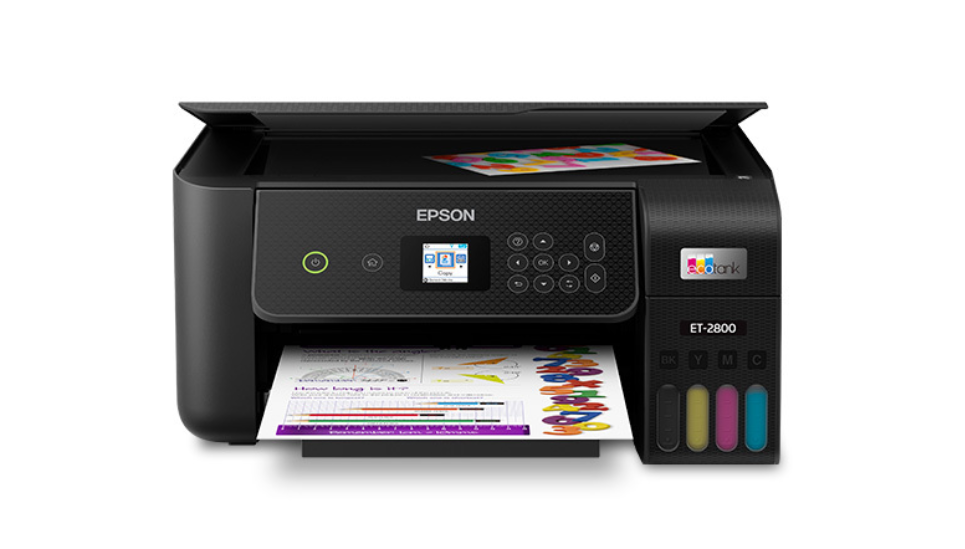
For longer term avoidance of drying issues, consider cartridge-free printers like the Epson EcoTank ET-4850 Wireless All-in-One Inkjet Printer, which uses large refillable ink bottles instead of small cartridges.

Printer maintenance setup showing proper ink cartridge storage and regular printing habits
Does Dried Ink Damage the Printer?
Dried ink primarily affects cartridges, but prolonged neglect can damage printers. Repeated clogging strains printheads, increases heat output, and shortens component lifespan. Ink residue can also migrate into internal systems if cartridges leak.
Addressing drying early protects both print quality and hardware reliability.
In Summary
Can ink dry up in cartridge? Ink drying inside cartridges is a common issue, but it does not always require immediate replacement. With early detection, careful cleaning, and consistent usage habits, many cartridges can be restored and used effectively.
For users who prefer guaranteed performance, Deal Just Deal offers affordable ink cartridges, secure checkout, fast shipping, and customer-friendly return policies. With competitive pricing and reliable support, Deal Just Deal helps users pay less for more while keeping printers running smoothly.
Can Ink Dry Up In Cartridge? - FAQs
Can dried ink cartridges be refilled?
Dried ink cartridges can sometimes be refilled if the printhead is not fully clogged. However, severe drying often limits refill success and may result in poor print quality or inconsistent ink flow.
Can dried ink clog the printer permanently?
Yes, prolonged use of dried ink cartridges can permanently clog printheads, especially in inkjet printers with integrated heads. This may cause overheating, ink backflow, or irreversible damage requiring printer repair or replacement.
Is it safe to use third-party ink cleaners?
Some third-party ink cleaners are safe when designed for specific printer models. However, low-quality or incompatible cleaners may corrode printheads or seals, increasing the risk of leaks, electrical damage, or reduced cartridge lifespan.